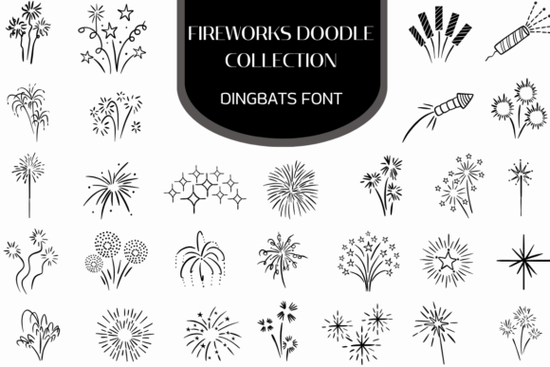
If you're looking for a quick, expressive way to add celebration energy to your designs without layering dozens of individual SVGs the Firework Doodle Collection Font is a practical solution. It’s not a traditional font with letters and numbers. Instead, it’s a vector dingbats font where each keyboard key triggers a hand-drawn firework element: starbursts, sparklers, curling trails, bottle rockets, and clustered bursts all in clean, scalable line art. Because it’s a font file (OTF and TTF), you can type symbols directly into design apps like Illustrator, Canva, or even PowerPoint, adjusting size, color, and spacing just like text.
How does this actually work in real projects?
Think of it like a custom symbol keyboard. Once installed, you open your design software, select the Firework Doodle Collection Font, and start typing each character maps to a different doodle. No copy-pasting, no hunting through folders for the right PNG. You get consistent line weight, perfect alignment, and instant recoloring. This makes it especially handy for time-sensitive work: last-minute birthday cards, social media stories for Fourth of July, or printable carnival banners where you need variety without visual clutter.
For print-on-demand sellers, it’s useful for creating themed collections like “Celebrate Every Day” greeting card sets or festive wall art prints without licensing concerns. All icons are original, hand-drawn, and included in one download. Since they’re vector-based, they scale cleanly from business card size to 24×36" posters.
What kinds of projects fit best?
This collection shines where organic, playful energy matters more than photorealism. Here are everyday uses we’ve seen designers and small businesses rely on:
- New Year’s Eve promotions Use shimmering constellations and starburst rings as background accents or framing elements for countdown graphics.
- Birthday party invites Layer sparklers and burst clusters around names or dates for a lively, handmade feel.
- Carnival or fair signage Pair bottle rockets and trailing effects with bold display fonts for posters and booth banners.
- Social media overlays Add subtle animated-style trails to Instagram story highlights or TikTok video intros (export as transparent PNGs).
- DIY craft templates Embroidery patterns, vinyl cut files, or scrapbook kits benefit from the clean outlines and consistent stroke width.
It’s also compatible with Cricut Design Space and Silhouette Studio when used as a system font just make sure to convert to outlines before cutting if precision matters most.
Is it beginner-friendly?
Yes if you’ve ever installed a font on your computer, you’re ready. No plugins or special software needed. The download includes clear instructions, a PDF cheat sheet showing which key = which doodle, and both Mac and Windows-compatible files. There’s no learning curve for using it in Canva either: upload the font, then choose it from the dropdown in the text tool. You don’t need vector editing experience to get great results.
That said, it’s not meant to replace detailed illustrations. If you need photorealistic fireworks with smoke and glow effects, look elsewhere. But if you want charming, consistent, scalable celebration motifs that feel personal not stock you’ll find this refreshingly straightforward.
Designers who enjoy mixing hand-drawn texture with digital efficiency often pair this with other Firework Doodle Collection Font or complementary line-art fonts like Confetti Line Art Font and Party Doodle Icons Font. They share a cohesive style, so combining them feels intentional not random.
You can preview and download the full set at the Fireworks Doodle Collection font page, where you’ll also find usage tips and real project examples from fellow crafters.
Before you use it: A quick checklist
- ✅ Install the font on your system first (double-click the OTF/TTF file → “Install”).
- ✅ Open your design app after installing some programs won’t see new fonts until restarted.
- ✅ Use the included PDF cheat sheet to match keys to symbols (e.g., “A” = sparkler, “S” = starburst ring).
- ✅ For cutting machines: convert text to outlines before sending to your cutter.
- ✅ For commercial use: yes, it’s licensed for unlimited personal and commercial projects including POD but always check the current license terms on the product page.
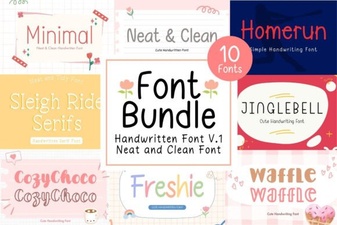 Neat & Clean Handwritten Fonts for Creative Projects
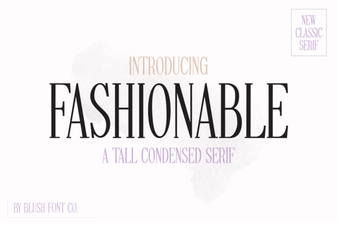 Stylish Fonts for Creative Design Projects
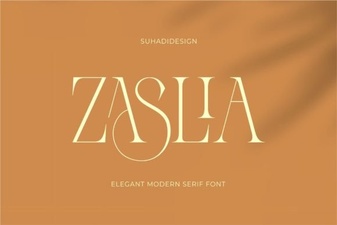 Zaslia Font: Elegant & Versatile Design Inspiration
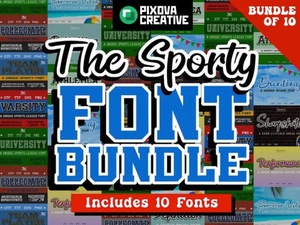 Sport Bundle Font: Creative Design & Project Ideas
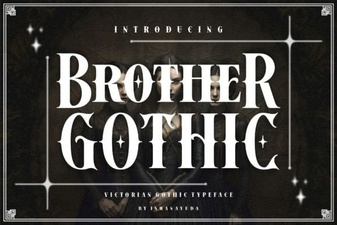 Brother Gothic Font: Bold Design Ideas
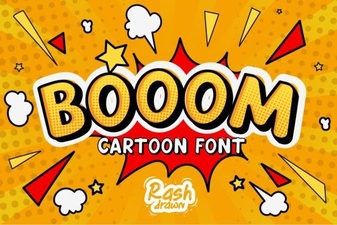 Booom Font: Bold, Playful Typography for Creative Projects